Mastering Visual Presentation: The Power of Landscape Page Poster Frame Mockups
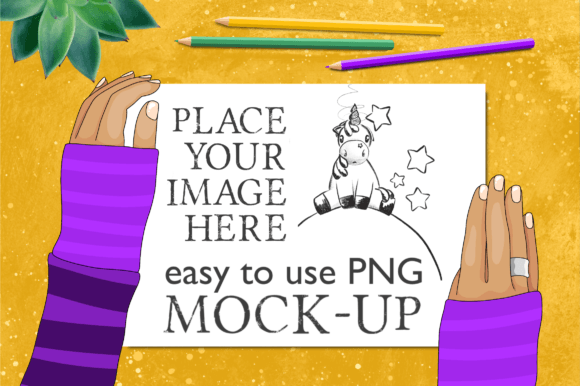
In the digital age, the way you present your creative work is just as important as the work itself. Whether you are an independent artist, a KDP author, or a small business owner, your ability to showcase designs in a realistic context can significantly influence how they are perceived by potential customers. This is where high-quality mockups become an essential tool in your creative arsenal. Specifically, the Landscape Page Poster Frame Mockup Hands and the versatile Mock-up 11×8.5in Landscape Page 8A series offer a streamlined solution for displaying designs without requiring advanced technical skills.
This guide explores the purpose, significance, and practical application of these easy-to-use mockups. We will delve into how they transform flat digital files into tangible-looking products, why they are perfect for those who do not use Photoshop, and how they fit seamlessly into modern workflows ranging from online portfolios to social media marketing.
Understanding the Value of Digital Mockups
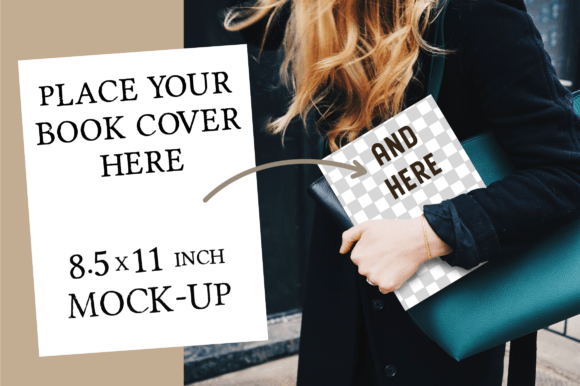
A mockup is essentially a template that allows designers to place their artwork onto a pre-rendered image of a real-world object. While professional photographers can create stunning lifestyle shots, this process is often expensive, time-consuming, and logistically difficult for individual creators. Digital mockups bridge this gap. They provide a photorealistic environment where your design appears as if it is being held, displayed, or used in a natural setting.
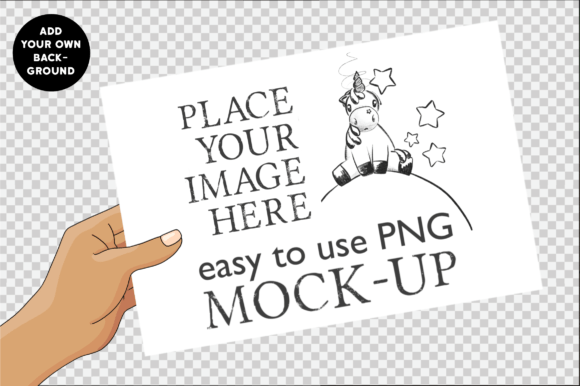
The specific 11×8.5in landscape page format is particularly significant because it mimics standard book dimensions and poster sizes. This size is ubiquitous in the publishing world, making it ideal for authors and illustrators. By using a mockup that features hands holding the page, you add a human element to your presentation. It suggests scale, texture, and interaction, helping the viewer imagine themselves holding the physical product.
Why Context Matters in Design Presentation
When a customer sees a flat JPEG of a coloring page or a storybook spread, they are looking at data. When they see that same image within a landscape page poster frame mockup with hands, they are seeing a product. The context provided by the mockup triggers a psychological response. The hands imply usage; the lighting implies quality; the background implies a lifestyle.
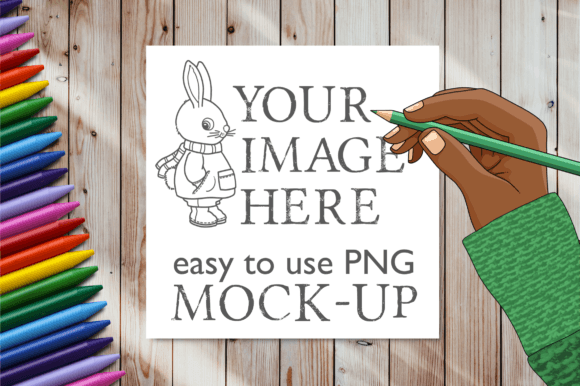
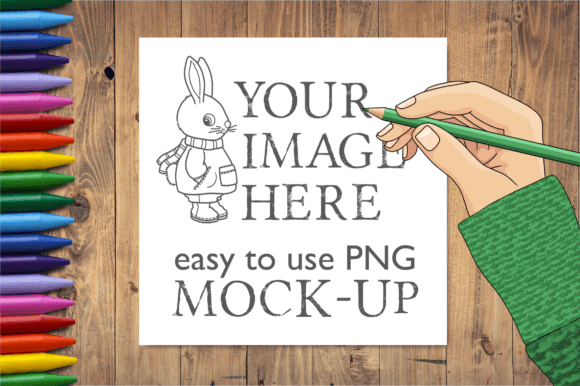
For example, a coloring page displayed on a white background looks like a file waiting to be downloaded. The same coloring page, shown in a mockup being held over a table with crayons nearby, evokes the feeling of a relaxing afternoon activity. This emotional connection is crucial for conversion rates in online shops and blogs.
Designed for Everyone: No Photoshop Required
One of the most common barriers to entry for visual storytelling is the complexity of software. Many creators believe they need to master Adobe Photoshop to produce professional-grade images. However, the 8A series of easy to use mock-ups was designed specifically to dismantle this assumption. These tools are accessible to everyone, regardless of their technical proficiency.
The magic lies in the file structure. The package includes PNGs with transparent backgrounds. This transparency is the key feature that makes these mockups so user-friendly. You do not need to know how to layer masks or adjust complex blend modes. Instead, you simply open the image in any basic photo editor, drag your design onto the transparent area, and save.
- Simplicity: Because the background is already removed, you can easily overlay the hand-holding-image onto any background you choose. Want to show the book against a cozy library backdrop? Done. Against a bright beach scene? Easy.
- Versatility: The separate PNG files allow you to mix and match. You can combine the hand mockup with different textures, props, or environments to create unique compositions every time.
- Efficiency: What might take hours to photograph and edit can be accomplished in minutes with these templates, allowing you to focus more on creating content and less on post-production.
Practical Applications Across Industries
The versatility of the Landscape Page Poster Frame Mockup Hands extends far beyond a single niche. Its 11x8.5-inch dimension aligns perfectly with several popular formats, making it a multi-purpose asset for various creative endeavors.
Coloring Pages and Activity Books
For creators of adult coloring books or children's activity sheets, showing the interior pages is vital. Customers want to see the line quality and the detail level. Using a mockup that shows hands holding the page allows you to display the "spread" effectively. It demonstrates how the paper would feel and how the colors would pop when filled in. You can even layer crayons or markers near the hands in your final composition to reinforce the theme.
Story Book Page Spreads
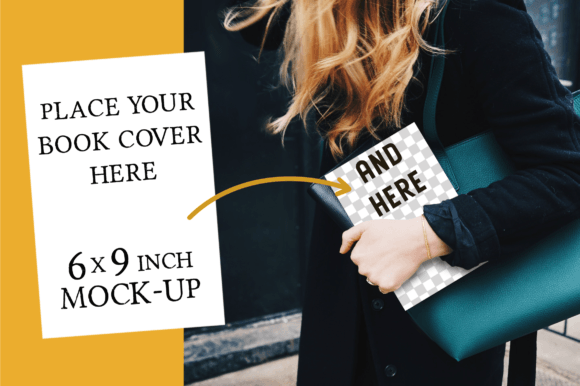
Authors and illustrators selling self-published books often struggle to show the inside of their stories. A flat image of two pages side-by-side can look disjointed. The landscape orientation of this mockup captures the full width of a book spread. It allows readers to visualize the flow of text and illustration across the page, providing a much better preview than a standard cover shot.
KDP Content and Online Shops
If you publish on Amazon Kindle Direct Publishing (KDP) or run an Etsy shop, your product images are your storefront. High-quality visuals reduce return rates and increase sales. The Mock-up 11×8.5in Landscape Page 8A series ensures your listings stand out in crowded marketplaces. Professional imagery signals trust and quality to the buyer.
Blogs, Social Media, and Portfolios
Consistency is key for branding. Whether you are posting on Instagram, Pinterest, or writing a blog post about your latest project, using a cohesive set of mockups creates a recognizable brand identity. The transparent PNGs make it easy to adapt your images for square social media posts or rectangular blog headers without losing quality.
Technical Specifications and Usage Tips
To get the most out of this digital product, it helps to understand what is included and how to utilize the files effectively. The package provides two distinct elements that work together to create a complete scene.
- 1 PNG Background: This file has a resolution of 3000×2000 pixels. This high resolution ensures that your images remain crisp and clear, even when viewed on large screens or printed for promotional materials. It serves as the canvas upon which you build your scene.
- 1 PNG Hand Image: This file features a transparent background, isolating the hands holding the page. This allows you to position the hands anywhere on your background without awkward white borders.
Pro Tip for Beginners: Since the files have transparent backgrounds, you can lay them over other elements like textured paper, wooden tables, or even digital illustrations of art supplies. For instance, placing the hand mockup over a background of scattered crayons instantly tells a story of creativity and play.
Clarifying Common Misunderstandings
It is important to note that this is a digital product for instant download. No physical product will be shipped. This means you receive the files immediately after purchase, ready to be integrated into your workflow. Additionally, while the mockups are designed to look professional, please be aware that fonts are not included. If you wish to add text overlays (such as "Best Seller" or your book title), you will need to use your own preferred fonts within your editing software.
Another common assumption is that mockups must look identical to reality. While photorealism is the goal, remember that these are tools to enhance your presentation. Do not feel pressured to hide the fact that it is a mockup; rather, embrace the aesthetic it brings. The goal is to inspire the viewer, not necessarily to deceive them.
Building a Broader Creative Strategy
Incorporating tools like the Landscape Page Poster Frame Mockup Hands into your workflow is more than just a shortcut; it is a strategic move toward professionalizing your brand. In a saturated digital marketplace, the difference between a hobbyist and a professional often comes down to presentation.
By investing time in learning how to use these simple yet powerful assets, you elevate the perceived value of your work. You communicate that you care about the details, from the line art in your coloring pages to the way the light hits the page in your promotional photos. This attention to detail builds confidence in your audience, encouraging them to engage with your content, follow your journey, and ultimately, support your business.
Whether you are launching a new series of storybooks, updating your online portfolio, or simply sharing your latest creations on social media, these mockups provide the foundation for a polished and engaging visual narrative. Happy crafting! ☘️